 SimplesPDF
Fix your PDF by tapping the text.
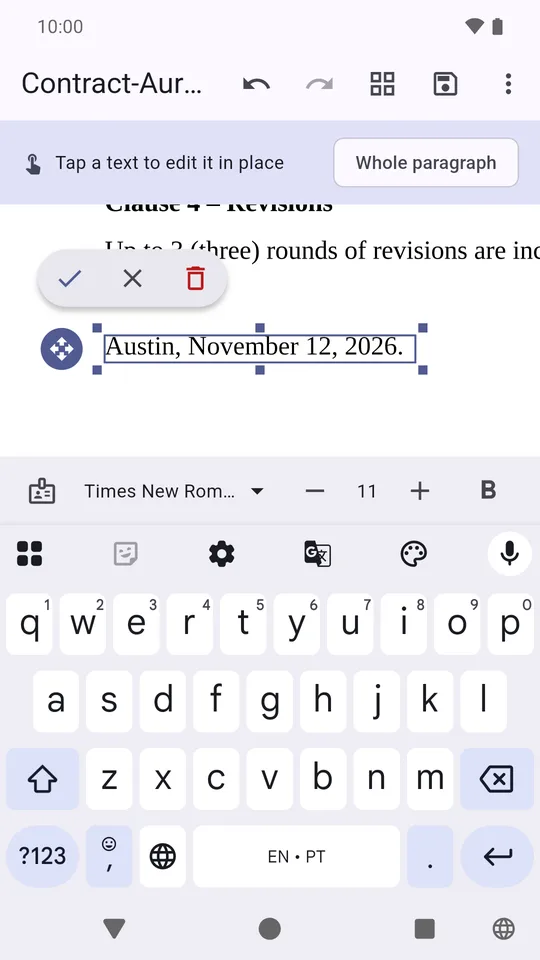
SimplesPDF is a PDF editor for Android that changes the words already in your document, and the new text looks just like the rest. Sign, fill in forms, merge and organize pages on your phone.
- No account
- Works offline
- No ads
- 21 languages
What you can do
All on your phone, no computer needed.
Edit your PDF
- Change a word, a line or a whole paragraph
- Find and replace
- Text, pictures, notes and drawings
- Highlight, underline or strike out
Sign and fill in
- Sign with your finger, saved for next time
- Forms, even scanned or photographed ones
- Your details with one tap
- Stamps like Approved and Paid
Organize pages
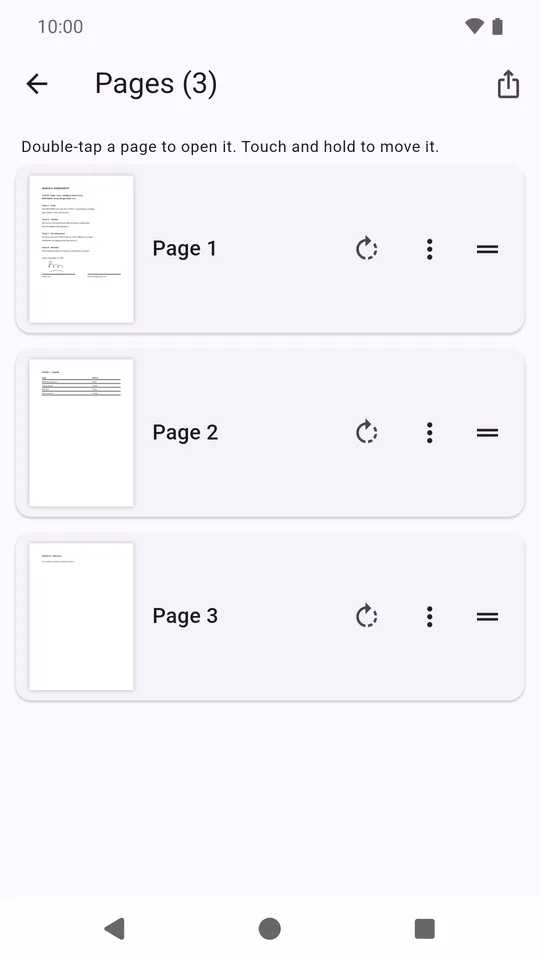
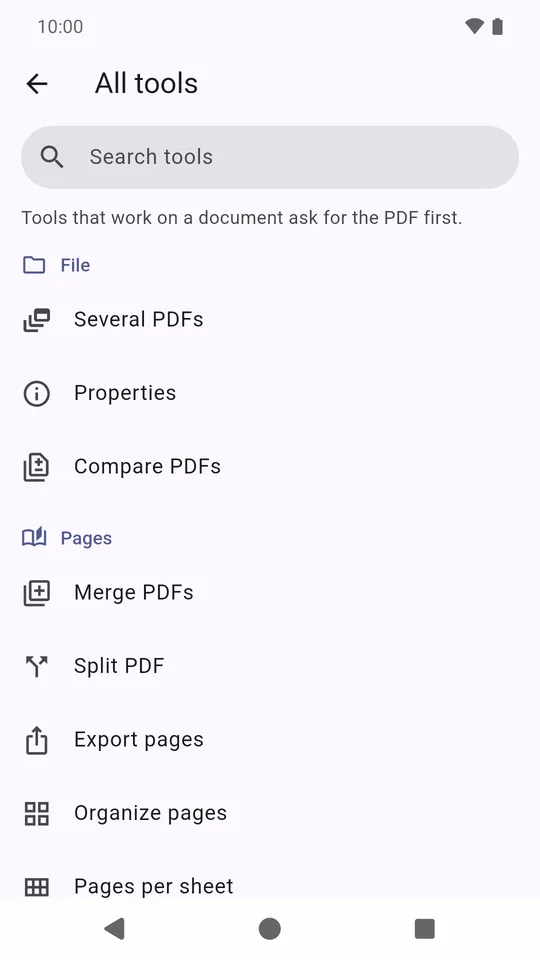
- Merge, split, rotate, crop and reorder
- Page numbers, watermark and letterhead
- ID card front and back on one sheet
Scan
- Photograph paper: the sheet is found and straightened
- Scanned pages become editable, searchable text
Convert
- PDF to Word, Excel and PowerPoint
- Word, Excel and PowerPoint to PDF
- Photos to PDF and pages to images
Protect and shrink
- Compress to send by email or chat
- Add or remove a password
- Black out private info for good
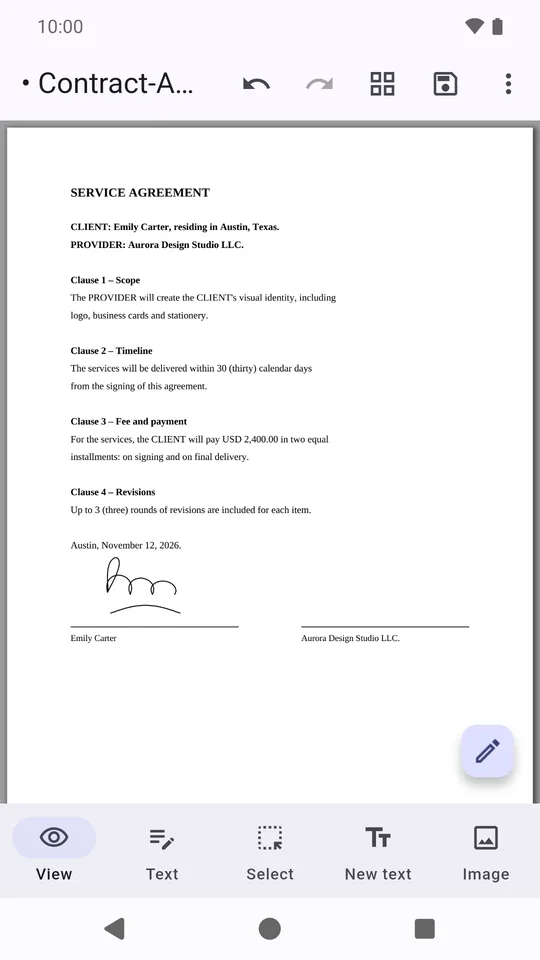
See the app
Your documents stay with you
The app has no account, no login, no ads and no advertising tracking.
On your phone
Opening, editing, signing, filling in, scanning and converting to Word happen on the device, even offline. Your files, photos, signatures and details are not sent to us.
Why the app asks for Google Drive access
Only to convert Word, Excel or PowerPoint files to PDF, and only when you ask. The file goes to your own Google Drive, Google converts it, the app brings the PDF back and deletes the copy there.
Access is limited to files the app itself creates (the drive.file permission): it cannot
see or read the other files in your Drive. Nothing goes through our servers.